My Router - Part 2
Adding Adblocking, plus other OpenWrt customization for my Router!
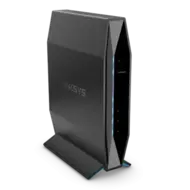
We created an acceptable factory-equivant router in the first part of this journey, but I know we can do better! So let’s add some essential services to our router!
Customize LUCI
Note that all packages in my repo are compiled for the aarch64_cortex-a53 architechiture, with exception of themes and config apps. They may or may not work on other architechitures. You have been warned!
First, we need to add the XPtsp OpenWrt repo to the mix.
1
2
3
echo "https://xptsp.github.io/openwrt-repo/apk/all/packages.adb" >> /etc/apk/repositories.d/xptsp.list
echo "https://xptsp.github.io/openwrt-repo/apk/aarch64_cortex-a53/packages.adb" >> /etc/apk/repositories.d/xptsp.list
wget http://xptsp.github.io/openwrt-repo/apk/aarch64_cortex-a53/xptsp.pem -O /etc/apk/keys/xptsp.pem
I frankly think the default theme for LUCI is terrible, so I’m installing a new theme. I’m also configuring the wallpaper to use the on-device background present in the theme package, as well as forcing dark mode:
1
2
3
4
apk add luci-theme-argon luci-app-argon-config luci-lib-ipkg
uci set argon.@global[0].mode='dark'
uci set argon.@global[0].online_wallpaper='none'
uci commit
I’m also replacing the default login wallpaper:
1
2
3
FILE=/www/luci-static/argon/img/bg1.jpg
wget https://xptsp.github.io/assets/img/router/bg1.jpg -O ${FILE}
echo "${FILE}" >> /etc/sysupgrade.conf
All Images used are property of their respective trademark and/or copyright holders.
Background used (found at backiee.com): 
OpenWrt Login screenshot: 
OpenWrt Status page screenshot using Argon theme: 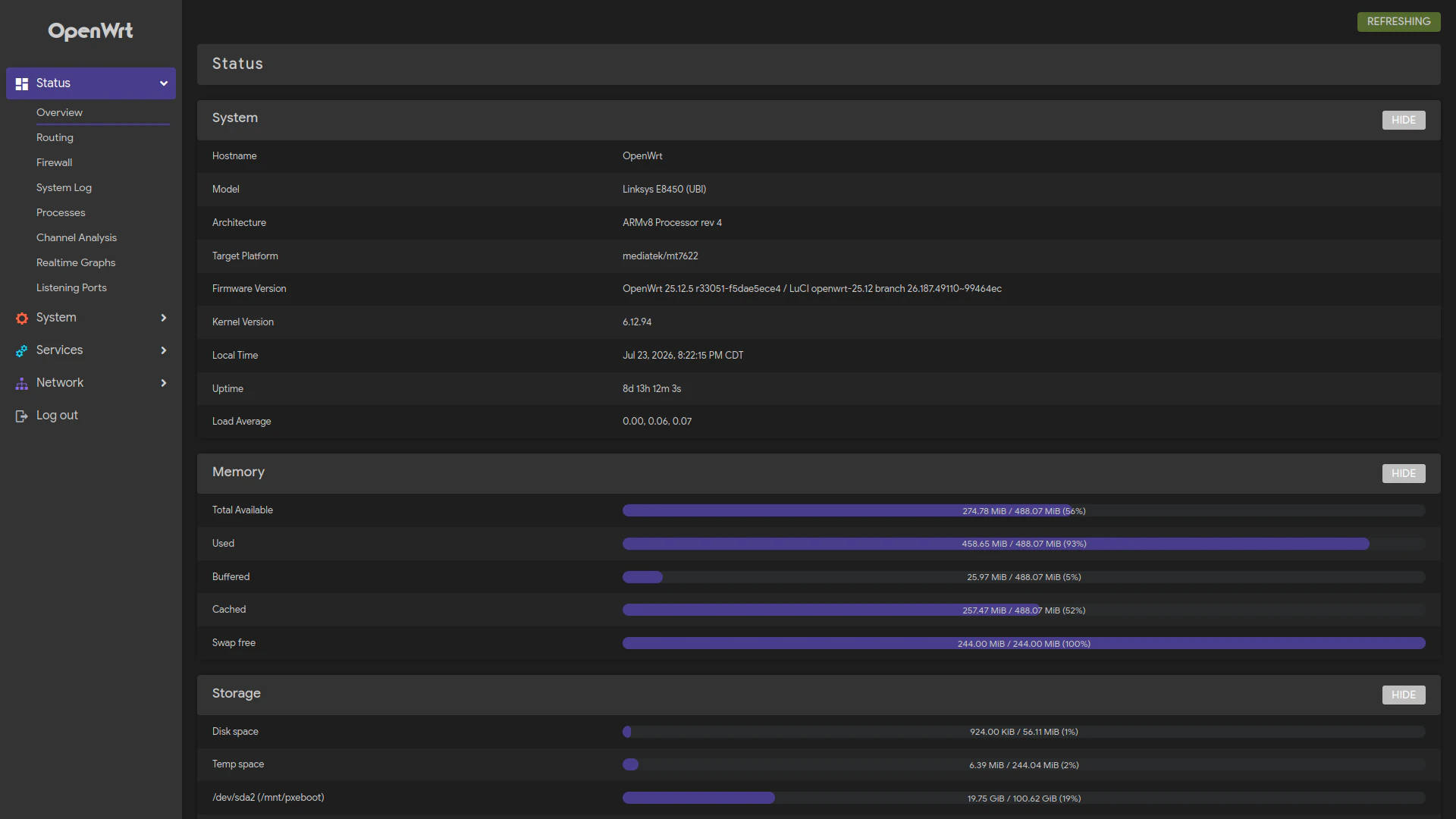
Network-wide Ad Blocking
We need to install and configure AdGuardHome. I am sharing my AGH configuration file, slighty modified to change the password held within.
1
2
apk add adguardhome luci-app-adguardhome
wget https://xptsp.github.io/assets/files/adguardhome.yaml -O /etc/adguardhome/adguardhome.yaml
We need to move dnsmasq to port 54 so AdGuardHome can use port 53:
1
2
3
4
5
6
7
8
9
10
11
12
NET_ADDR=$(uci get network.lan.ipaddr | cut -d\/ -f 1)
uci set dhcp.@dnsmasq[0].noresolv='0'
uci set dhcp.@dnsmasq[0].cachesize='1000'
uci set dhcp.@dnsmasq[0].rebind_protection='0'
uci set dhcp.@dnsmasq[0].port='54'
uci set dhcp.@dnsmasq[0].nonwildcard='0'
uci -q delete dhcp.@dnsmasq[0].server
uci set dhcp.lan.leasetime='24h'
uci -q delete dhcp.lan.dhcp_option
uci -q delete dhcp.lan.dns
uci add_list dhcp.lan.dhcp_option='3,'"${NET_ADDR}"
uci add_list dhcp.lan.dhcp_option='6,'"${NET_ADDR}"
We need to set up the firewall rule to redirect all DNS requests (port 53) to the router. This way, devices can’t access other DNS services, bypassing AGH.
1
2
3
4
5
6
7
8
9
uci -q del firewall.dns_int
uci set firewall.dns_int='redirect'
uci set firewall.dns_int.family='any'
uci set firewall.dns_int.name='DNS to AdGuardHome'
uci set firewall.dns_int.src='lan'
uci set firewall.dns_int.src_dport='53'
uci set firewall.dns_int.proto='tcp udp'
uci set firewall.dns_int.target='DNAT'
uci set firewall.dns_int.dest_port='53'
Now restart services so we can enjoy far less ads on our network!
1
2
3
4
uci commit
service firewall restart
service dnsmasq restart
service adguardhome restart
The web address for the AGH on your router is http://openwrt.lan:3000/ (unless you’ve changed the hostname). Username is root, password is admin.
I highly recommend changing the username/password credentials. I recommend reading the page at https://github.com/AdguardTeam/AdGuardHome/wiki/Configuration#password-reset for advice on how to do this.
Restarting the adguardhome service after making changes to /etc/adguardhome/adguardhome.yml is necessary.
Network-wide Network Time
Let’s enable the built-in NTP server for OpenWrt. I’m in the America/Chicago timezone, so these settings are appropriate for me.
1
2
3
uci set system.ntp.enable_server='1'
uci set system.@system[0].zonename='America/Chicago'
uci set system.@system[0].timezone='CST6CDT,M3.2.0,M11.1.0'
We need to add a DHCP option for clients to use the NTP server on the router:
1
2
NET_ADDR=$(uci get network.lan.ipaddr | cut -d\/ -f 1)
uci add_list dhcp.lan.dhcp_option="42,${NET_ADDR}"
Let’s configure firewall to force clients to use our NTP server. According to Google, Redirecting NTP requests through a firewall is essential to ensure that internal devices synchronize their time with a designated NTP server, rather than relying on potentially unreliable external servers. This helps maintain network security and time accuracy across devices.
1
2
3
4
5
6
7
8
uci set firewall.ntp="redirect"
uci set firewall.ntp.family='any'
uci set firewall.ntp.name='Redirect NTP'
uci set firewall.ntp.target='DNAT'
uci set firewall.ntp.src='lan'
uci set firewall.ntp.src_dport='123'
uci set firewall.ntp.proto='udp'
uci set firewall.ntp.dest_port='123'
Finally, we need to commit changes and restart services:
1
2
3
uci commit
service sysntpd restart
service dnsmasq restart
Wake-On-LAN
I need this so I can power on a machine if I need to access it remotely:
1
2
3
apk add luci-app-wol
uci set etherwake.setup.interface='br-lan'
uci commit
Let’s add some targets so we can easily wake my machines over the network:
1
2
3
4
5
6
7
8
9
10
11
12
13
14
15
16
17
18
19
20
21
22
23
uci add luci-wol.moe_pc=target
uci set luci-wol.moe_pc.name='Moe'
uci set luci-wol.moe_pc.mac='F2:B0:C4:87:4A:13'
uci set luci-wol.moe_pc.iface='br-lan'
uci set luci-wol.moe_pc.broadcast='1'

uci add luci-wol.larry_pc=target
uci set luci-wol.larry_pc.name='Larry'
uci set luci-wol.larry_pc.mac='12:BE:29:E0:97:CC'
uci set luci-wol.larry_pc.iface='br-lan'
uci set luci-wol.larry_pc.broadcast='1'

uci add luci-wol.curly_pc=target
uci set luci-wol.curly_pc.name='Curly'
uci set luci-wol.curly_pc.mac='CA:70:26:36:EF:31'
uci set luci-wol.curly_pc.iface='br-lan'
uci set luci-wol.curly_pc.broadcast='1'

uci add luci-wol.shemp_pc=target
uci set luci-wol.shemp_pc.name='Shemp'
uci set luci-wol.shemp_pc.mac='66:1C:C8:CC:AD:43'
uci set luci-wol.shemp_pc.iface='br-lan'
uci set luci-wol.shemp_pc.broadcast='1'
Summary
Now that we are done instaling some additional services on our router, let’s install USB support, as well as file sharing programs and a PXE Boot server. Onwards to Part 3!